Introduction
Smartphone cameras have become powerful enough to rival professional cameras in many situations. Today, almost everyone carries a high-quality camera in their pocket, but not everyone knows how to use it properly.
Taking stunning mobile photos is not just about having an expensive phone—it is about understanding lighting, composition, camera settings, and creative techniques.
In this complete guide, you will learn 25 mobile camera tips that will instantly improve your photography skills and help you capture professional-looking images using any smartphone.
Whether you are a beginner or an advanced user, these tips will help you take your mobile photography to the next level.
1. Always Clean Your Camera Lens
One of the simplest yet most ignored tips. A dirty lens can make your photos look blurry or foggy. Always wipe your lens with a soft cloth before taking pictures.
2. Use Natural Light Whenever Possible
Lighting is the most important factor in photography. Natural light produces soft, realistic, and attractive images compared to artificial light.
Best times:
- Early morning
- Golden hour (sunrise and sunset)
3. Avoid Using Digital Zoom
Digital zoom reduces image quality. Instead of zooming in, move closer to your subject or crop the image later.
4. Turn On Grid Lines
Grid lines help you apply the rule of thirds, improving composition and balance in your photos.
5. Follow the Rule of Thirds
Place your subject at the intersection of grid lines instead of the center. This creates more visually appealing images.
6. Focus Manually
Tap on your screen to adjust focus. This ensures your subject is sharp and properly highlighted.
7. Adjust Exposure Manually
Most smartphones allow you to adjust brightness by sliding up or down after tapping the screen.
8. Keep Your Background Clean
A messy background distracts viewers. Always look for simple and clean backgrounds for better results.
9. Use Portrait Mode for Depth Effect
Portrait mode blurs the background and highlights the subject, creating a DSLR-like effect.
10. Shoot in HDR Mode
HDR (High Dynamic Range) helps balance shadows and highlights, especially in high-contrast lighting conditions.
11. Avoid Overusing Filters
Filters can enhance photos, but overusing them makes images look unnatural. Use them lightly.
12. Keep Your Hands Steady
Shaky hands cause blurry images. Use both hands or a tripod for stability.
13. Use a Tripod for Better Shots
A small mobile tripod improves stability, especially for night photography and long exposure shots.
14. Take Multiple Shots
Never rely on a single photo. Take multiple shots and choose the best one later.
15. Learn Basic Composition Techniques
Besides the rule of thirds, try:
- Leading lines
- Symmetry
- Framing
- Minimalism
16. Use Leading Lines
Use roads, fences, or natural lines to guide the viewer’s eyes toward the subject.
17. Capture Reflections
Reflections in water, mirrors, or glass can create artistic and unique photos.
18. Shoot During Golden Hour
Golden hour provides warm, soft lighting that enhances skin tones and landscapes.
19. Try Low Light Photography
Modern phones perform well in low light. Use night mode for better clarity.
20. Enable Night Mode
Night mode uses long exposure and AI processing to brighten dark scenes.
21. Avoid Using Flash
Flash can make photos look harsh and unnatural. Use natural or ambient light instead.
22. Experiment with Angles
Don’t always shoot from eye level. Try different angles:
- Low angle (dramatic effect)
- High angle (overview shot)
- Side angle (creative look)
23. Keep the Horizon Straight
A tilted horizon makes photos look unprofessional. Use grid lines to keep it straight.
24. Edit Your Photos Wisely
Use editing apps like Lightroom or Snapseed to improve brightness, contrast, and colors—but avoid over-editing.
25. Tell a Story with Your Photos
Great photography is not just about technical skills—it’s about storytelling. Capture emotions, moments, and meaning.
Bonus Tips for Mobile Photography
Here are some extra tips to take your skills even further:
Use Burst Mode
Perfect for capturing fast-moving subjects like sports or kids.
Try Black and White Photography
Monochrome photos often look more artistic and emotional.
Keep Your Phone Updated
Camera performance often improves with software updates.
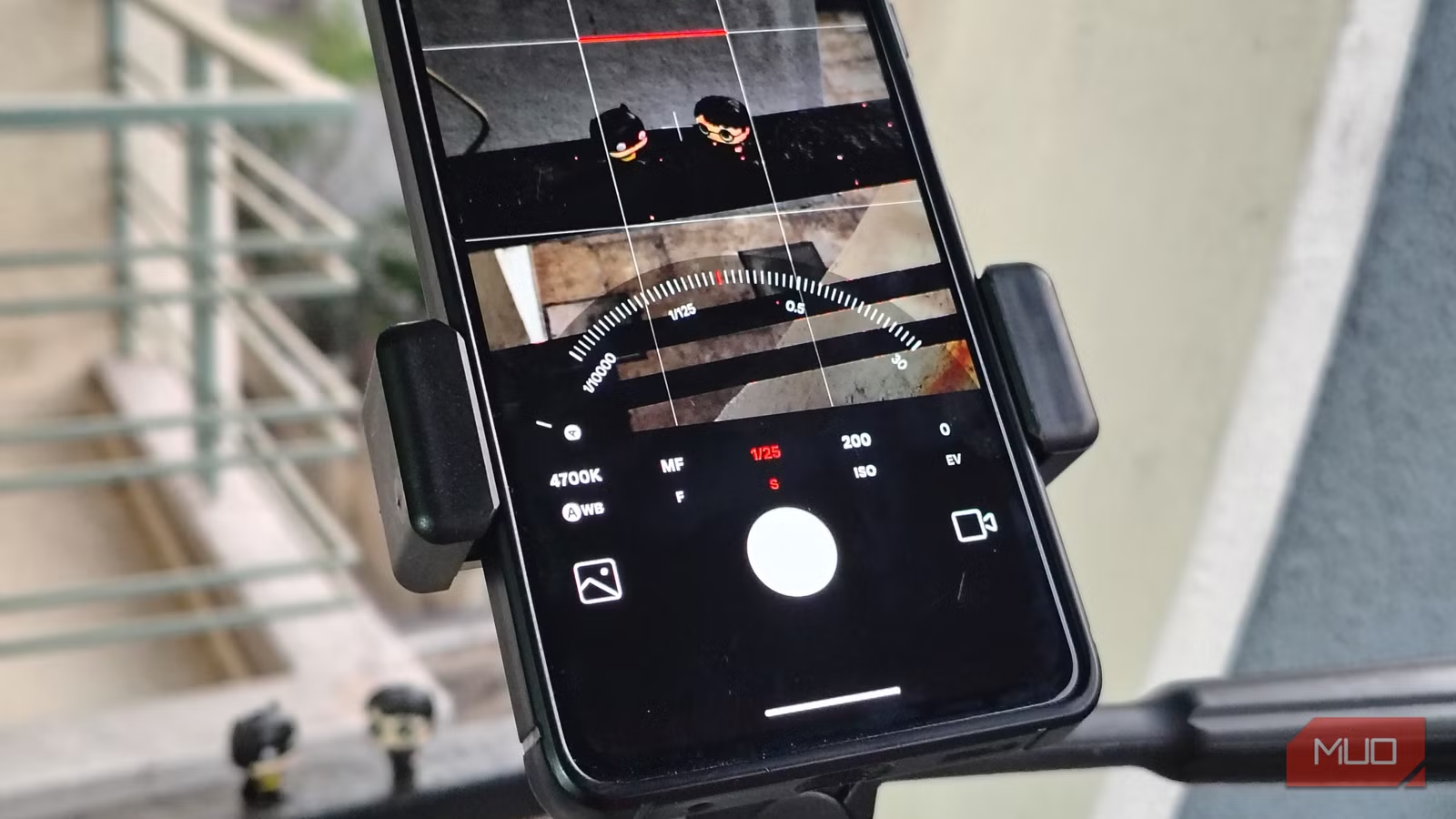
Use Manual Mode (Pro Mode)
Adjust ISO, shutter speed, and white balance for full control.
Common Mistakes to Avoid
Even experienced users make mistakes. Avoid these:
- Shooting against strong light without HDR
- Using too much zoom
- Ignoring background clutter
- Over-editing images
- Holding phone incorrectly
Best Apps for Mobile Photography
Some useful apps include:
- Adobe Lightroom
- Snapseed
- VSCO
- Google Camera
- Afterlight
These apps help enhance and professionally edit your photos.
Mobile Photography for Social Media
If you are creating content for Instagram, TikTok, or Facebook:
- Use vertical photos (9:16 ratio)
- Keep subjects centered or slightly off-center
- Use bright, clean visuals
- Maintain consistent editing style
Future of Mobile Photography
Mobile cameras are evolving rapidly. In the future, we will see:
- AI-powered automatic editing
- 3D photo capture
- Advanced computational photography
- DSLR-level zoom without quality loss
- Real-time image enhancement
Smartphones are becoming the primary tool for photography worldwide.
Conclusion
Mobile photography is both an art and a skill. With the right techniques, even a mid-range smartphone can produce stunning professional-quality photos.
By applying these 25 mobile camera tips, you can significantly improve your photography and start capturing more creative, high-quality images.
Remember: it’s not just about the phone—it’s about how you use it.
Start practicing these tips today and take your mobile photography to the next level.