Free Fire MAX APK Latest Update: Everything You Need to Know
Free Fire MAX has remained one of the most downloaded battle royale titles on Android for years, and its developer keeps the momentum going with frequent content drops, performance tweaks, and seasonal events. With the game now in its ninth year, the most recent build (version 2.127.1) introduces an anniversary celebration, gameplay refinements, and quality-of-life upgrades that long-time players and newcomers alike will want to know about. This guide walks through everything connected to the latest Free Fire MAX APK update — what changed, how to install it safely, system requirements, and what to expect going forward.
Table of Contents
1. What Is Free Fire MAX?
2. Overview of the Latest APK Update
3. 9th Anniversary Celebration Highlights
4. Gameplay and Combat Improvements
5. New Modes, Maps, and Events
6. Graphics, Performance, and Audio Enhancements
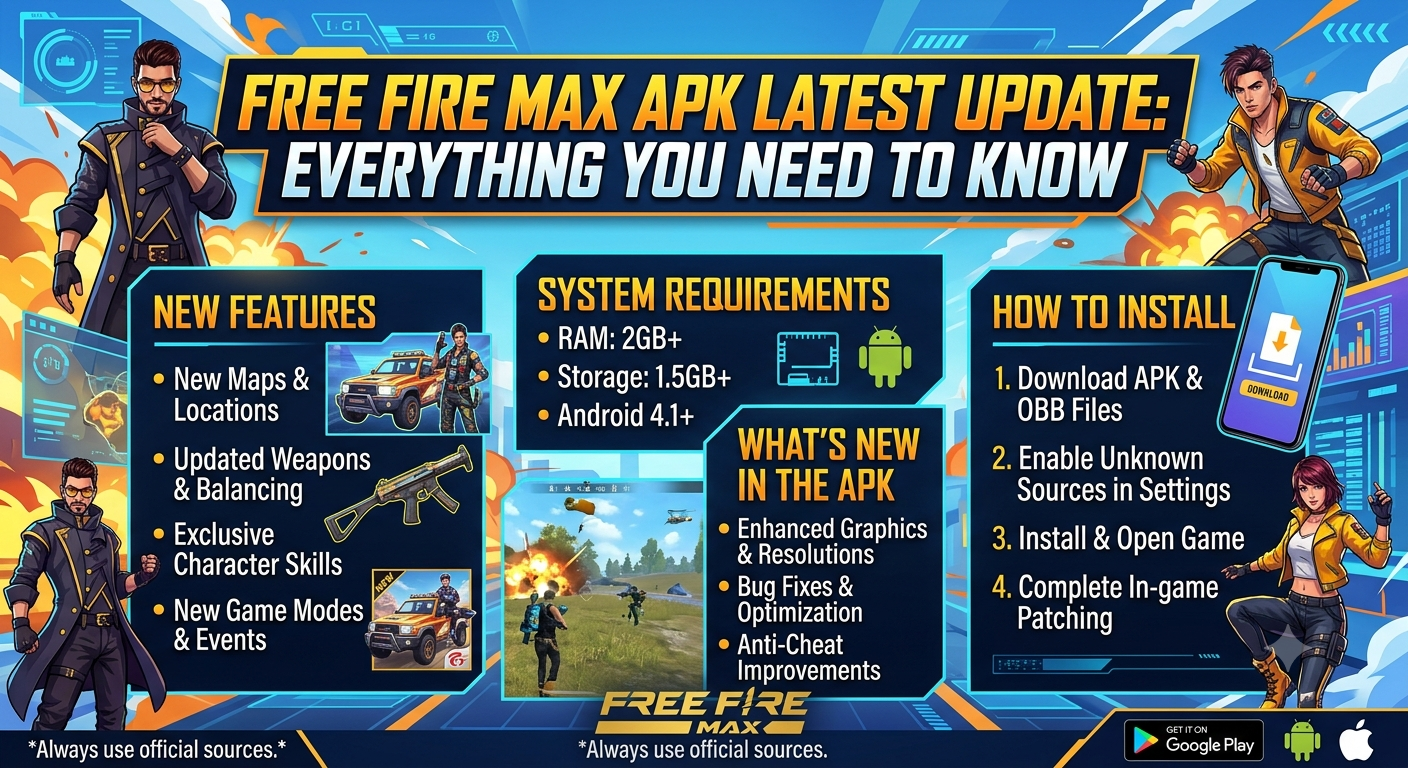
7. System Requirements
8. How to Download and Install the Latest APK
9. Updating Without Losing Progress
10. Free Fire vs Free Fire MAX
11. Is It Safe to Download Free Fire MAX APK?
12. Tips for a Smooth Update Experience
13. What’s Next for Free Fire MAX
14. Final Thoughts
What Is Free Fire MAX?
Free Fire MAX is the enhanced counterpart to Garena’s wildly popular battle royale, Free Fire. Rather than being a separate game, it is best described as a graphically upgraded client that runs the exact same matches, events, and battle passes as the standard version, but with sharper textures, improved lighting, and more detailed character models. This is made possible through a connectivity feature called Firelink, which allows MAX players to be matched in the same lobbies as standard Free Fire users, keeping the overall player base unified instead of split across two separate ecosystems.
The appeal of MAX lies in its flexibility.
Players on newer, more powerful phones can crank up visual fidelity for an immersive, console-like experience, while those who prefer the lighter original client can stick with regular Free Fire without missing out on any content. Progress, account data, purchased skins, and battle pass rewards transfer seamlessly between the two versions since they share the same backend.
Since its original release, the game has expanded well beyond a single battle royale map. Today it includes multiple distinct locations, each with its own visual theme and tactical layout, ranging from dense urban-style combat zones to wide-open sniper-friendly terrain. This variety, combined with constant content updates, is a major reason the title has sustained such a massive global player base for nearly a decade.
Overview of the Latest APK Update
The most recent stable build pushed out to Android devices is version 2.127.1, following closely behind 2.126.1 and 2.124.1, which rolled out across May and June. Each of these updates has built toward a larger celebration tied to the franchise’s ninth anniversary, layering in new cosmetic content, mechanical tweaks, and stability fixes along the way.
At a high level, this update cycle focuses on four pillars: a limited-time anniversary celebration, refinements to ranked and casual combat systems, visual polish across loot and map elements, and backend security improvements designed to better protect player accounts. Unlike some past updates that introduced sweeping map overhauls, this release leans more toward refinement — sharpening systems that already exist rather than reinventing them, while still offering a generous helping of themed content to keep the celebration feeling fresh.
File size for the full client sits in the 480–550 MB range depending on the distribution source and device architecture, with incremental patch downloads typically much smaller for players updating from a recent prior version rather than installing fresh.
9th Anniversary Celebration Highlights
The headline feature of the current update is the 9th Anniversary event, marking nearly a decade since the franchise’s original launch. This celebration is built around a brand-new 3D party lobby where players can move around freely, interact socially, and take part in arena-style mini challenges separate from standard matches. Completing tasks within this lobby unlocks event-exclusive items and milestone rewards that scale with player participation.
Tied into this celebration is a themed transformation of the Factory location on the Bermuda map. For a limited time, Factory has been redesigned with anniversary decorations and converted into a special event zone within Battle Royale matches. Players who complete anniversary-specific quests in this area can earn enhanced loot, upgrade nearby Coin Machines and vending stations, and access boosted Revival Points. One particularly useful addition tied to this event is the ability to interact with a fallen teammate’s loot box to revive them directly on the spot, reducing the frustration of losing a squadmate early in a match.
Beyond the in-match content, the anniversary update also includes cosmetic bundles, login rewards, and limited-time missions that reward consistent play throughout the celebration window. As with past anniversary events, much of this content is time-gated, so players interested in the exclusive rewards will want to log in regularly rather than waiting until the celebration is close to ending.
Gameplay and Combat Improvements
Several meaningful gameplay adjustments accompany the anniversary content. Character skills have received new upgrade paths in this update, giving players more ways to customize how their chosen character performs in combat rather than relying on a single fixed skill progression. This adds a layer of build customization that rewards players who experiment with different skill combinations based on their preferred playstyle.
Ranked Battle Royale matches now include a post-match review screen, giving players a structured recap of how their game unfolded. This kind of summary is particularly useful for players looking to improve, as it highlights key moments and decisions without requiring third-party tools or manual review of gameplay footage.
Looting has also been streamlined. Loot indicators within Battle Royale areas have been made more visually distinct, helping players spot valuable items more quickly during the often-chaotic early moments of a match when speed matters most. For Clash Squad fans, the update introduces Perk Points, a new system that lets players invest in small tactical advantages during a match, adding another strategic layer to the already fast-paced round-based mode.
Together, these changes suggest the development team is prioritizing systems that make individual matches feel more readable and skill-rewarding, rather than purely adding new content for its own sake.
New Modes, Maps, and Events
In the lead-up to the current anniversary build, prior updates introduced several additions that remain active or have shaped the current map rotation. One notable example is the Undersea Realm event, which transformed sections of the Bermuda map into an underwater battle zone accessible through whirlpool entrances. This event introduced whale-themed transport aircraft, a Hydro Zone that replaced standard high-tier loot areas, and the Hydro Blaster, a special event weapon designed around underwater combat mechanics. Fishing ponds were scattered across the map as an additional loot source, encouraging exploration beyond traditional building-based looting.
Earlier in the update cycle, a crossover collaboration brought anime-inspired content into the game, complete with themed missions and character-specific rewards tied to popular series characters. These collaboration events have become a recurring strategy for keeping the content calendar fresh, drawing in both existing fans of the franchise and newcomers attracted by the crossover branding.
A Party Parkour mode also entered rotation as a smaller, traversal-focused mini-game, offering a break from standard combat-heavy modes. New characters have continued to join the roster as well, including stealth-oriented and tracking-focused additions that give players more tactical archetypes to choose from depending on their preferred approach to engagements.
Graphics, Performance, and Audio Enhancements
Free Fire MAX has always distinguished itself through visual fidelity, and the current update continues that trend. Textures across maps and characters have been refined for sharper detail, while lighting and explosion effects have been tuned to feel more dynamic during intense firefights. Devices capable of higher frame rates can take advantage of smoother performance up to 120 FPS, assuming hardware supports it, which makes fast-paced engagements feel noticeably more responsive compared to the standard client.
Audio has received attention as well. Footstep cues, weapon feedback, and positional sound have all been adjusted to give players clearer information during matches, an important factor in a genre where audio often telegraphs enemy position before visual contact is made. Smart optimization techniques are also built into the engine to reduce lag spikes during full fifty-player lobbies, which historically can be one of the more demanding moments for mobile hardware to handle smoothly.
These improvements don’t fundamentally change how the game plays, but they meaningfully affect how it feels — sharper audio cues and steadier frame rates translate directly into better reaction times and fewer frustrating moments caused by technical hiccups rather than player skill.
System Requirements
Because Free Fire MAX prioritizes visual quality over the standard client, it does ask more of a device’s hardware. Generally recommended specifications include:
• Android 5.0 (Lollipop) or higher, though smoother performance is typical on more recent Android versions
• At least 4GB of RAM for stable performance, particularly with higher graphics settings enabled
• A minimum of 4–5GB of free storage space before attempting to update, since the anniversary-era updates are graphically heavy and insufficient space is one of the most common causes of failed installations
• A 64-bit capable processor (arm64-v8a architecture) for the best combination of stability and visual quality
• A stable internet connection, since the game relies on live servers for matchmaking, events, and account syncing
Players on older or budget devices can still run the game, often by lowering in-game graphics settings, but those closer to the minimum specification may notice longer loading times or occasional frame drops during high-action moments like airdrops or large squad fights.
How to Download and Install the Latest APK
For players who prefer downloading the APK directly rather than going through an app store, the general installation process looks like this:
1. Free up storage space. Confirm your device has at least 4–5GB free before starting, since interrupted downloads or failed installs are most often caused by insufficient space.
2. Download the APK from a trusted source. Stick to well-known platforms or the official Garena distribution channel to avoid tampered files.
3. Enable installation from unknown sources. On most Android devices this is found under Settings > Security (or Settings > Apps > Special Access, depending on your Android version), where you’ll need to toggle permission for your browser or file manager to install APKs outside the Play Store.
4. Open the downloaded file and follow the on-screen prompts. The installer will guide you through permissions the app requests, such as storage access.
5. Launch the game and allow it to download additional resource files. Many APK installs are lightweight on first download, with the bulk of game assets fetched the first time you open the app.
6. Log in and confirm your progress has carried over, particularly if you’re updating an existing installation rather than installing fresh.
Installing directly over an existing version is generally supported for incremental updates, meaning you usually don’t need to uninstall the previous build first. That said, if you encounter persistent errors, a clean uninstall and reinstall — after confirming your account is properly linked — often resolves the issue.
Updating Without Losing Progress
One of the most common concerns among players updating outside the Play Store is losing progress, especially for those on guest accounts. If you are currently playing on a guest account, it is strongly recommended that you link your profile to a Google, Facebook, or VK account before performing a manual APK update. Guest account data is stored locally on the device, and certain update methods can wipe this data if it isn’t backed up to a linked account first.
To check or set this up, navigate to Settings > Basic within the game and look for the account binding options. Once linked, your skins, rank, currency, and overall progress are tied to your account rather than the device itself, meaning you can safely update, reinstall, or even switch devices without risking data loss.
It’s also worth noting that updating through the Google Play Store is generally the safer and more straightforward route for most players, since it handles version verification and incremental downloads automatically. The manual APK route is most useful for players who want early access to a new version before it’s broadly available through the Play Store, or for those using devices and regions where Play Store access is limited.
Free Fire vs Free Fire MAX
A frequent question among new players is whether to choose the standard Free Fire client or the MAX version. Both share identical game modes, maps, events, and battle pass content — the core decision comes down to device capability and storage preference.
Free Fire (standard) is the lighter option, designed to run smoothly on a wider range of devices, including older or lower-spec phones, with a smaller installation footprint. Free Fire MAX, by contrast, demands more storage and processing power but rewards that investment with noticeably sharper visuals, more detailed environments, and the option to push frame rates higher on supported hardware. Thanks to Firelink, players from both clients can be matched together in the same games, so choosing one version over the other doesn’t fragment the community or limit who you can play with. For most players with a reasonably modern phone and adequate free storage, MAX is the recommended choice simply for the improved visual experience, but the standard client remains a perfectly viable alternative for those prioritizing performance on lighter hardware.
Is It Safe to Download Free Fire MAX APK?
Safety largely comes down to where you source the file. Downloading directly from the Google Play Store remains the safest and most straightforward method, since Google applies its own verification and scanning process before an app reaches your device. If you choose to download an APK from a third-party site instead, it’s important to verify that the source is reputable, check that the file’s package name matches the official one, and avoid sites that bundle installers with unnecessary extra software.
Look for indicators such as developer verification, matching file signatures, and reviews from other users before installing. Avoid modified or “mod” APKs that promise unlocked items, unlimited currency, or aimbot-style features, as these not only violate the game’s terms of service and risk account bans, but are also a common vector for malware distribution. Sticking to official or well-established distribution platforms significantly reduces risk while still giving you flexibility outside the Play Store if needed.
Tips for a Smooth Update Experience
- A handful of small habits can make the update process considerably less frustrating:
- • Always check available storage before starting a download, since insufficient space is the leading cause of failed updates.
- • Link guest accounts to a permanent login method before performing manual updates.
- • Update over a stable Wi-Fi connection rather than mobile data, given the file sizes involved.
- • Close other background apps during installation to free up memory and reduce the chance of the process stalling.
- • Restart your device after a major update if you notice unusual lag or crashes, as this often clears temporary cache conflicts.
- • Keep auto-update enabled through the Play Store where possible, so you’re not caught off guard when new seasonal content goes live and older versions lose server compatibility.
What’s Next for Free Fire MAX
Garena has consistently followed a pattern of layering smaller content patches between major seasonal updates, and the current trajectory suggests this won’t slow down anytime soon. Following the conclusion of the 9th Anniversary celebration, players can typically expect a transition into the next ranked season, accompanied by balance adjustments based on community feedback gathered during the current cycle. Historically, collaboration events with outside franchises have also continued on a rotating basis, so further crossover content remains a likely possibility in the months ahead.
On the technical side, continued investment in performance optimization seems likely, particularly as the player base increasingly shifts toward devices capable of higher frame rates. Players interested in staying ahead of announcements can typically find early patch notes through official Garena social channels or in-game notice boards shortly before a new version becomes available for download.
Final Thoughts
The latest Free Fire MAX APK update reflects a mature, well-established live-service title that knows how to balance celebration content with meaningful gameplay refinement. Between the 9th Anniversary festivities, smarter loot visibility, new skill customization paths, and continued performance tuning, there’s a solid mix of reasons for both returning and new players to jump back in. As always, the safest path to updating is through the Google Play Store, but for those who prefer the manual APK route, linking your account beforehand and confirming adequate storage will go a long way toward a smooth installation. With nearly a decade of continuous content behind it, Free Fire MAX shows no signs of slowing its release cadence, making it worth keeping an eye on for whatever comes next in the update pipeline.